
Quick start
Kvas is a Rust workspace: the editor (kvas_editor), the player (kvas_player), the engine and the renderer. You need Rust and a GPU with Vulkan or DirectX 12. Tested on Windows.
Run the editor
bash
cargo run -p kvas_editor                      # project hub: recent, open, create 3D / 2D
cargo run -p kvas_editor -- games/demo        # open a project directly
cargo run -p kvas_editor -- games/demo --play # open it and press Play
cargo build -p kvas_player                    # once: the editor copies it into a built game
Add --release for speed. The editor builds your scripts with the same profile it was built with.
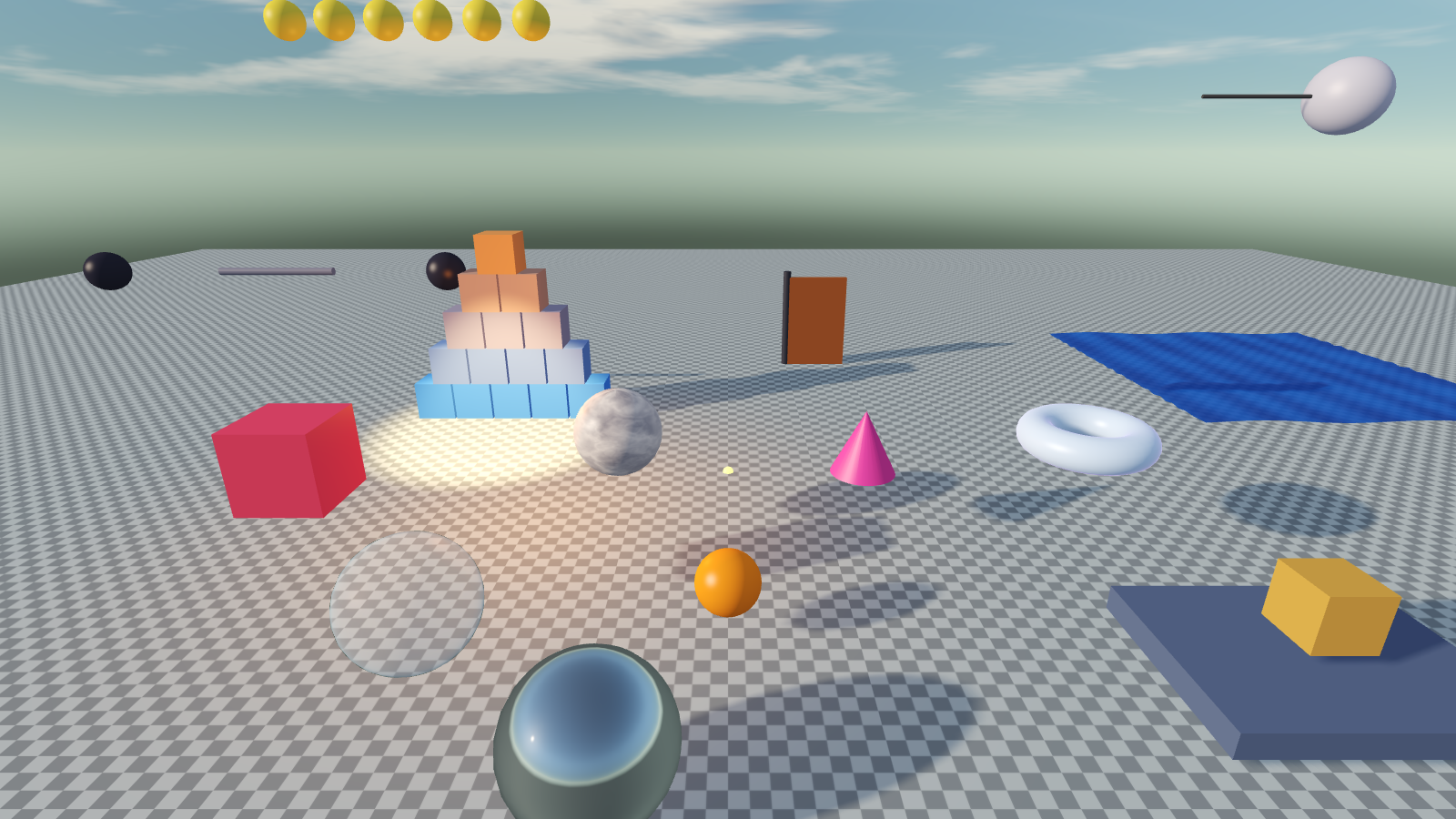
Controls in the scene
| Action | Input |
|---|---|
| Fly the camera | hold RMB, then W A S D Q E (Shift = faster) |
| Pan / zoom / orbit | MMB drag / wheel / Alt + LMB drag |
| Focus the selection | F |
| Move / Rotate / Scale | W / E / R (hold Ctrl while dragging to snap) |
| Play / Stop | Ctrl+P (changes made while playing are discarded) |
| Save, Undo, Redo, Duplicate, Delete | Ctrl+S, Ctrl+Z, Ctrl+Y, Ctrl+D, Del |
| Place a model | drag it from the Project panel into the scene |
A project
A project is a folder: project.json, assets/ (scenes, models, textures, shaders, materials) and scripts/ (a cdylib crate). Every new project already contains:
assets/materials/library/- 326 procedural materials,assets/shaders/library/- 380 object and camera shaders (see the catalogue),scripts/src/<folder>/- 236 starter scripts (animation, control, gameplay, camera, world, audio, debug).
Create your first script with + New script in the Project panel, pick a template and save. The editor builds the library and reloads the scripts without closing the scene.
Build the game
File → Build Game, or without a window:
bash
cargo run -p kvas_editor -- --build games/demoThe result is in <project>/build/: game.exe, game.pak and the scripts library.
Next
- Scripting - the first script, the
Ctxcheat sheet. - Writing scripts the easy way - the
script!macro, Inspector variables, debugging. - Cookbook - ready scripts: chaser, patrol, spawner, camera, coins, jelly.
- Vertices, UVs and smoothing
- Node editor and the material catalogue.